Best Settings for Dawn of War IV
Updated 2026-11-27 · Applies to: Launch build (pre-release footage)
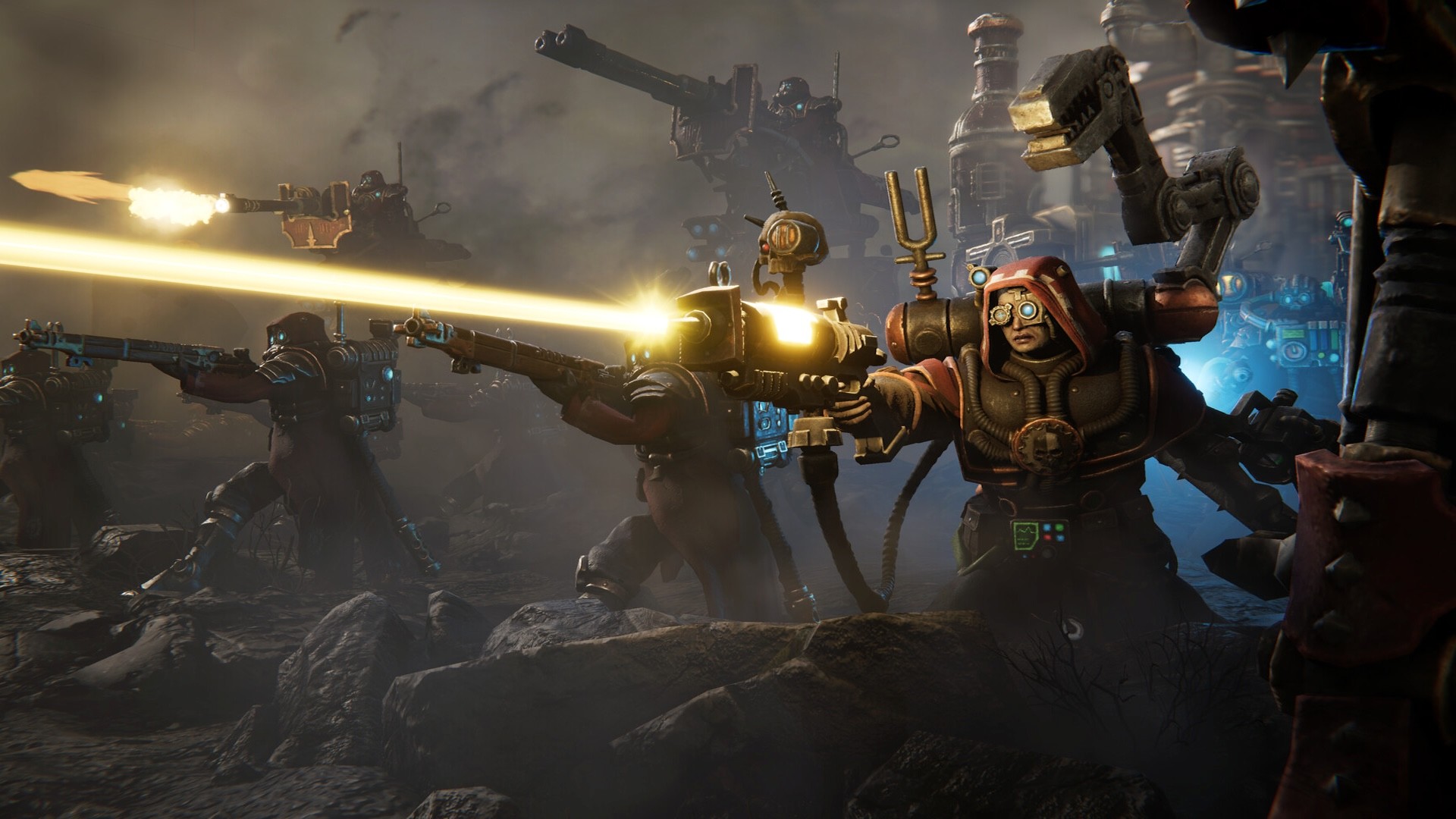
Official System Requirements
| Component | Minimum | Recommended |
|---|---|---|
| OS | Windows 11 (64-bit) | Windows 11 (64-bit) |
| CPU | Intel Core i5-10600K / AMD Ryzen 5 2600X | Intel Core i7-12700 / AMD Ryzen 5 7600X |
| Memory | 16 GB RAM | 32 GB RAM |
| GPU | Nvidia GeForce GTX 1660 / AMD Radeon RX 5700 | Nvidia GeForce RTX 3060 Ti / AMD Radeon RX 9060 8 GB |
| Storage | 125 GB | 125 GB |
Before You Play
- Update your GPU driver — NVIDIA shipped a Game Ready driver with Dawn of War IV support ahead of launch.
- Pre-release testing flagged instability on some 13th and 14th generation Intel CPUs — if you see crashes, update your motherboard BIOS and apply Intel's stability microcode updates.
- Windows 11 is the only listed OS; there is no macOS, Linux or console version.
- No PC? GeForce NOW cloud streaming is confirmed.
In-Game Settings Priorities
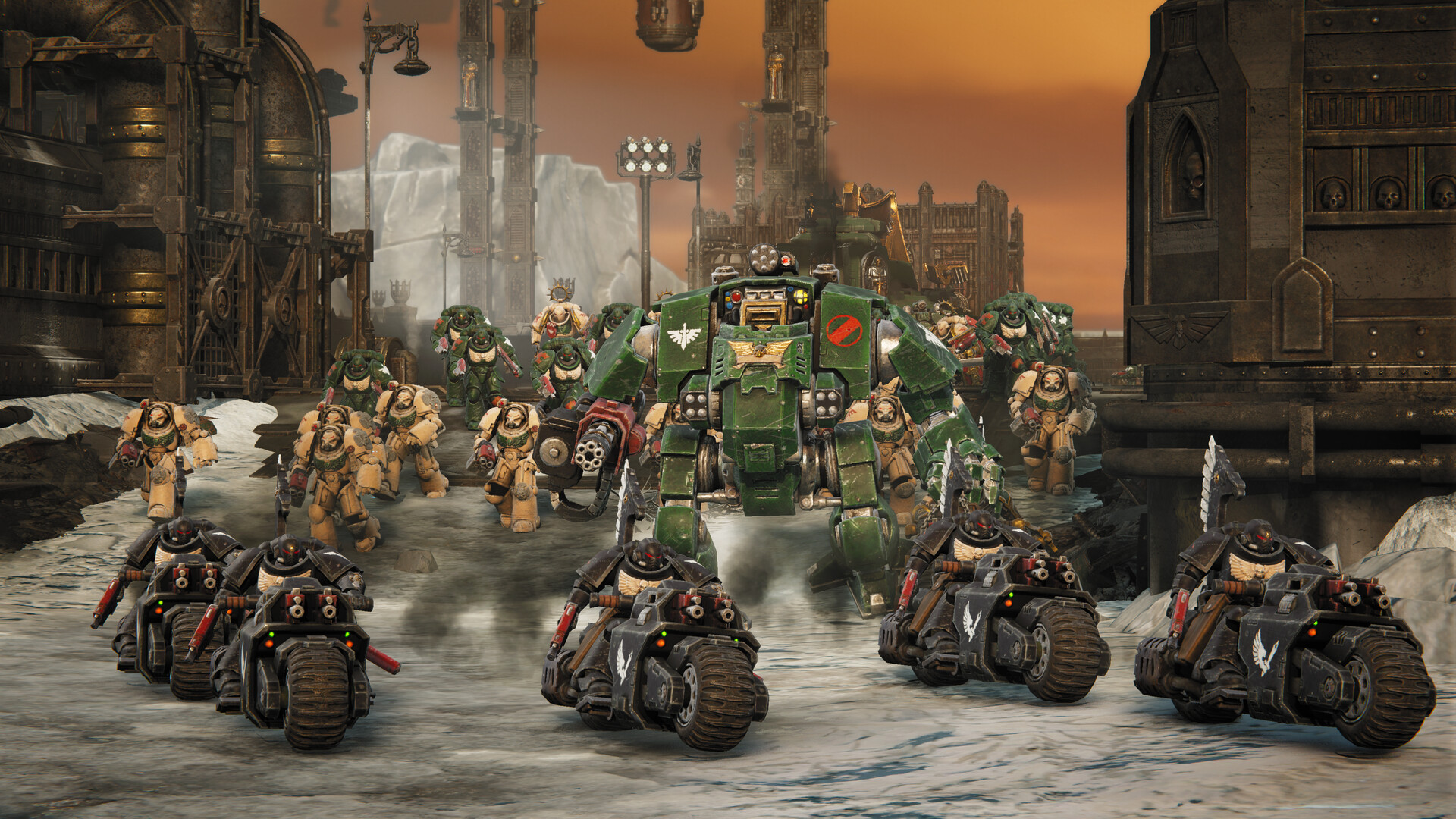
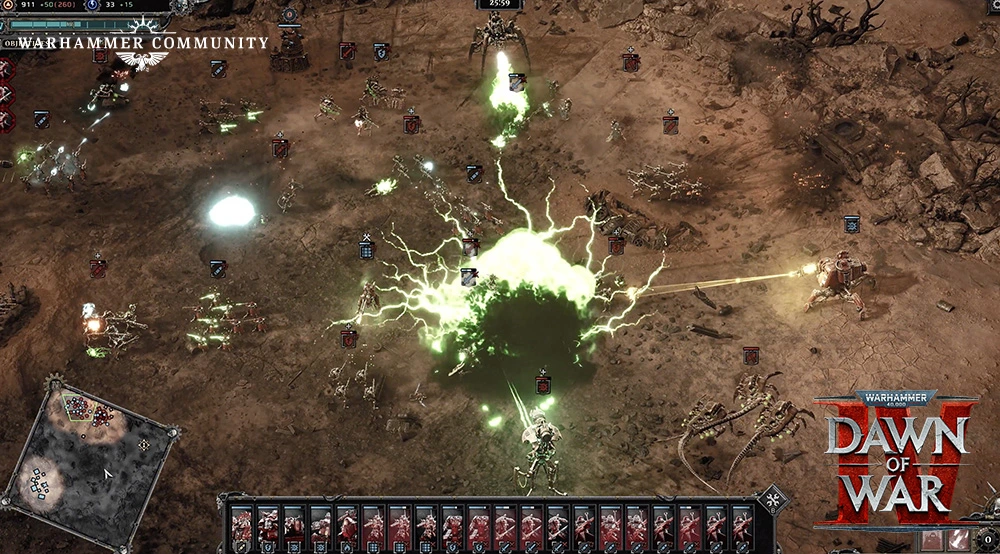
The developers raised health pools so battles stay readable — the game is built to show thousands of simultaneous animated units. If you need frames, reduce crowd-adjacent settings first: shadow quality, effects density and anti-aliasing, before touching resolution.
Quality-of-Life Settings Worth Knowing
- Adjustable difficulty, save-anywhere and colour-blind alternatives are built in.
- Photo Mode (Skirmish pause menu) has full camera control, six times of day, and toggles to hide effects, gore and fog of war.
- Custom game sliders let you slow research and capture speed or reduce army sizes — a gentler way to learn than turning down difficulty.