Hotkeys and Controls in Dawn of War IV
Updated 2026-11-27 · Applies to: Launch build (pre-release footage)
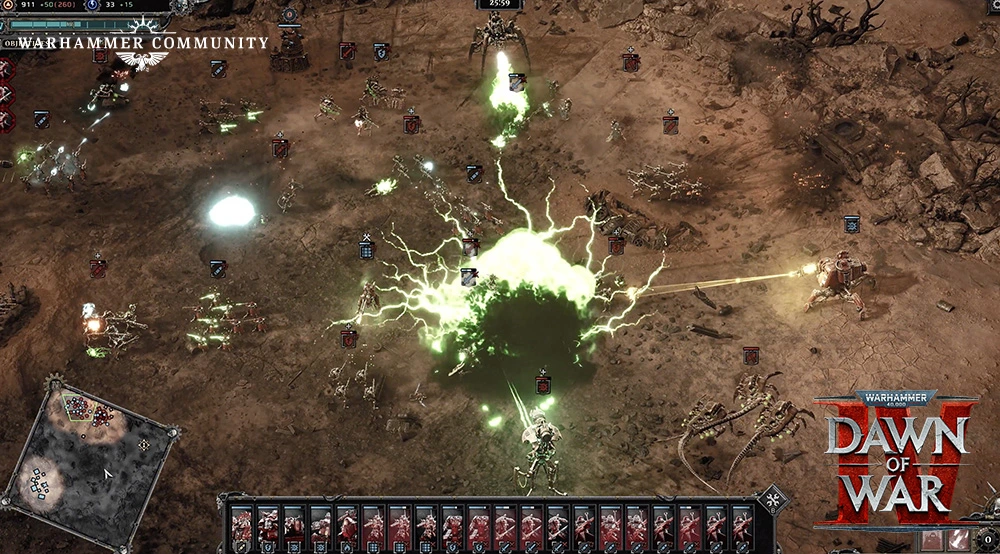
These are the confirmed controls and control mechanics from official materials and pre-release gameplay footage. The full hotkey list will be documented from the release version's keybinding menu.
Confirmed Controls and Mechanics
- Multi-attack dragbox: hold right-click and drag across enemies — your units automatically assign targets intelligently instead of focus-firing one.
- Retreat: orders a squad back toward your nearest production structure with reduced damage taken. While the retreat icon is yellow, you can cancel it if the situation improves.
- Auto-reinforce: right-click the reinforce button to toggle automatic squad reinforcement — the single most important toggle for preserving veterans.
- Drop Pod targeting: reserve units deploy anywhere on the map via Drop Pod; the pod itself remains as a light turret.
- Thunderhawk Relay: embark squads into the building, then re-deploy them to any visible point at full health and full models.
- Garrison: infantry can enter garrisonable structures and cover buildings for directional protection.
Control Habits That Win Games
- Queue research constantly — research is free and only costs time.
- Use control groups for your core fighting force and your reaction force separately (for example, main army on 1, raiders on 2).
- Battles are deliberately readable: use the time the Combat Director gives you to reposition instead of spam-clicking.
- Cancel retreats aggressively — a retreating squad deals no damage.